
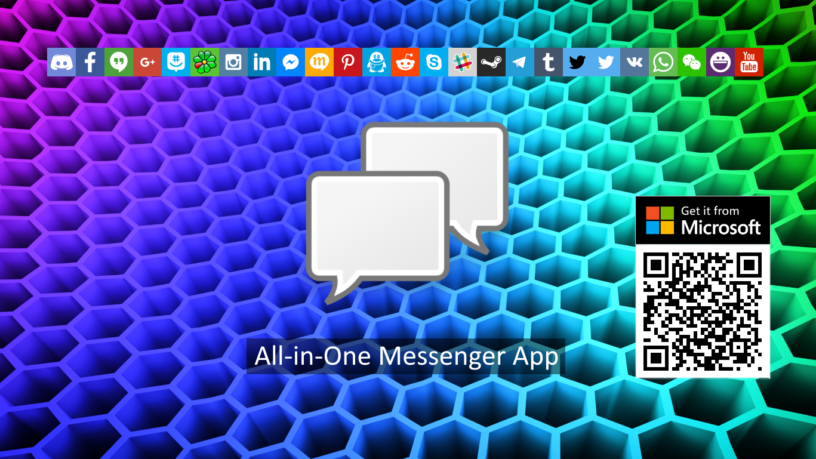

Multi Messenger – your all-in-one chat hub for Windows
Simplify your daily communication with one app for messaging, social media, email, communities, and collaboration. Multi Messenger brings your favorite web-based services together in a clean and organized Windows workspace, helping you reduce browser tabs, switch faster, and keep your conversations in one place.
Create separate profiles for work, private use, projects, communities, or any other setup. Each profile can contain its own services, making it easier to organize different parts of your digital communication and switch between them when needed.
Instead of opening many separate browser windows or apps, you can access supported online services directly from Multi Messenger. Chat with friends, follow communities, check messages, collaborate with teams, and stay connected throughout the day.
Multi Messenger is designed for users who want a simple and organized way to manage communication across multiple services. Add the services you use, arrange them by profile, switch between them quickly, and keep your digital conversations within easy reach.
The app supports a wide range of popular messaging, social media, email, community, and collaboration platforms through their official web interfaces. Availability may depend on each service and its compatibility.
Whether you use communication tools for work, projects, communities, or personal conversations, Multi Messenger gives you one streamlined place to bring everything together.
Download Multi Messenger and organize your communication in one all-in-one chat hub.
Features:
- Bring messaging, social media, email, and collaboration services together
- Create separate profiles for work, private use, projects, or communities
- Organize different services in different profiles
- Get notifications from your favorite services
- Access your favorite web-based services in one Windows app
- Reduce browser tabs, windows, and app switching
- Switch quickly between profiles and communication platforms
- Stay connected with friends, groups, teams, and communities
- Manage multiple online services in a clean workspace
|
|
|
Privacy Policy | We respect your privacy.
Multi Messenger does not collect any personal information. Account information will only used to communicate within the services you use.
In case the application crashes, Multi Messenger uses Microsoft Visual Studio Application Insights to track the crash log. The log contains information like OS version, Device type, Memory (MB), Mass storage (GB), CPU speed (GHz).
This data has the solely purpose to help analyzing the crash and therefore finding a solution.
This privacy policy is about the application Multi Messenger, property of CodeView.
Disclaimer | Multi Messenger is an independent product and is not affiliated with, endorsed by, or sponsored by any third-party service. All trademarks, names, and logos are the property of their respective owners.